
Personal Branding Coach
How can I build a strong personal brand on LinkedIn as a business student?
Goal:
Offer step-by-step branding strategy: profile optimization, content ideas, engagement techniques, and credibility builders.
Building a strong personal brand on LinkedIn as a business student is one of the smartest moves you can make right now. It opens doors to internships, mentors, and career opportunities—even before graduation. Here’s your step-by-step guide to stand out and grow:
🔧 STEP 1: Profile Optimization – “Your LinkedIn is your digital handshake.”
1.1. Headline
→ Instead of “Business Student,” try:📊 Business Student | Aspiring Marketing Analyst | Data-Driven Storyteller | Open to Internships
1.2. About Section (Summary)
→ Write in first-person, showcase personality, and include:
- Who you are
- What you’re passionate about
- Your current goals
- A call to connect
Example:
“I’m a second-year business student passionate about brand strategy and consumer psychology. Currently building skills in market research and digital marketing. Seeking internship opportunities where I can apply data insights to real-world campaigns. Let’s connect!”
1.3. Featured Section
→ Add:
- Projects or presentations
- Resume (PDF or Google Drive link)
- Personal blog or website (if any)
1.4. Experience & Education
→ Detail relevant coursework, student organizations, volunteer work, and part-time jobs—even if not “corporate.”
✍️ STEP 2: Content Strategy – “Show up, speak up, and stand out.”
2.1. Content Buckets
Rotate between these 3 types of posts:
- Learnings: What you’re learning in class or online (tag a course or instructor)
- Personal Journey: Share wins, challenges, lessons from student life
- Industry Thoughts: Share articles or trends with your take
2.2. Post Ideas:
- “3 things I learned from my Marketing 101 class that apply in real life”
- “Why Gen Z is changing how we view leadership – my take after reading X”
- “Attended a guest lecture on digital finance – key insights 🔑”
2.3. Format Tips:
- Use emojis 🔥
- Keep paragraphs short
- End with a question to invite engagement
💬 STEP 3: Engagement – “Be known for being curious and helpful.”
3.1. Comment Genuinely
→ Leave thoughtful comments on posts from:
- Classmates
- Professors
- Alumni
- Business influencers
3.2. DM with Purpose
→ Reach out to professionals with a compliment + quick question.
Example:
“Hi [Name], I really enjoyed your post on [Topic]. As a business student, I’m exploring that space and would love to hear how you got started.”
🏗️ STEP 4: Credibility Builders – “Stack small wins publicly.”
4.1. Certifications
→ Add free courses from:
- Google (Digital Garage, Analytics)
- HubSpot (Inbound Marketing)
- LinkedIn Learning
4.2. Recommendations
→ Ask professors or peers to write one on your profile after a group project or internship.
4.3. LinkedIn Creator Mode (Optional)
→ If you’re posting consistently, turn this on to highlight topics you post about (like #Marketing, #StudentLife, #CareerGrowth).
✅ Final Checklist – Your LinkedIn Brand Should Be:
- ✅ Clear: People know what you’re about in 10 seconds
- ✅ Consistent: Posts and profile match your career interests
- ✅ Connected: You engage and grow your network regularly
Would you like me to help you write a polished “About” section or create your first post?
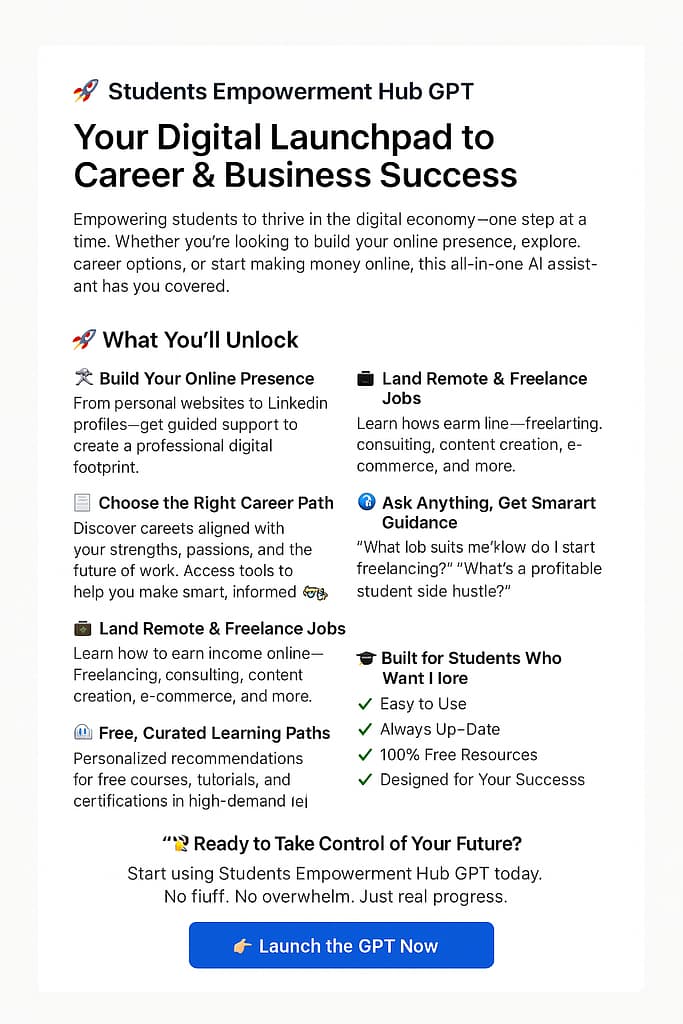
Make sure to use our Students Empowerment Hub 👇🏽👇🏾👇🏻👇🏼👇👇🏿
Shop tips

Why LinkedIn
Building a personal brand on LinkedIn helps students stand out and connect with future opportunities.
Your Brand
Stand Out
Showcase your skills and passions.
Connect
Connect